
How to Create an SOP (Standard Operating Procedure)
To create an SOP (Standard Operating Procedure), follow these six steps:
1
Define the goalStart by defining the goal of the task and who it’s for.
2
Break it into stepsBreak the process into clear steps in the exact order the work is done.
3
Add key detailsAdd key details like required tools, safety checks, quality standards, and what “done correctly” looks like.
4
Keep it simpleUse simple language, short sentences, and consistent formatting so anyone can follow it.
5
Add photosInclude photos where possible—visual steps reduce mistakes and speed up training.
6
Review and updateFinally, review the SOP with someone who actually performs the task, then update it whenever the process changes.
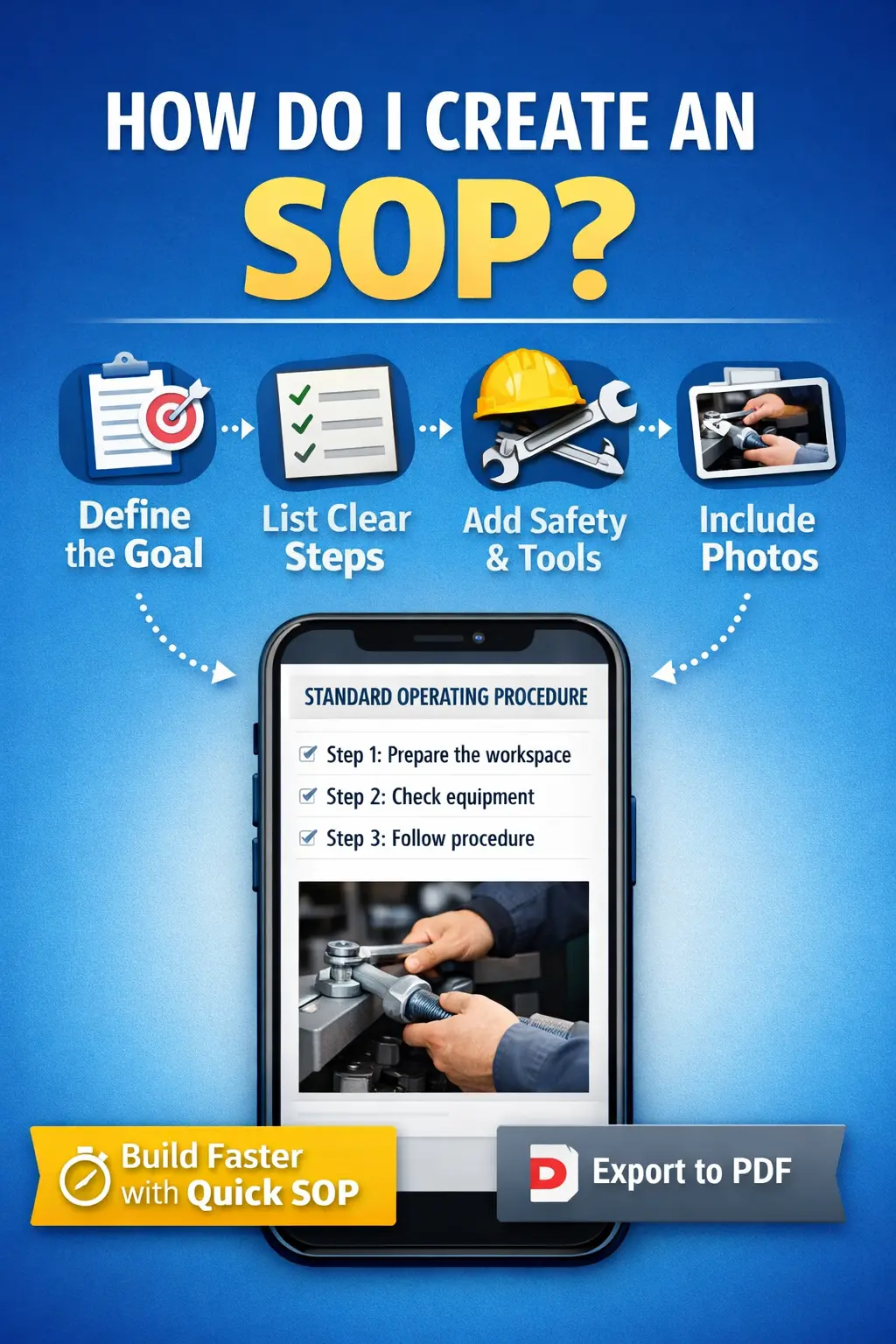
With Quick SOP, you can build a professional SOP in minutes on your iPhone, add step photos, duplicate templates, and export a polished PDF ready for training and compliance. You can check it out here
The following you tube tutorial is very helpful creating and writing an SOP – How to write an SOP.
Can ChatGPT generate SOPs?
What does create SOP mean?
Create standard operating procedures
Back to FAQ main Page
Return to Homepage
Keep reading
Create professional SOPs in minutes with the Quick SOP app.